

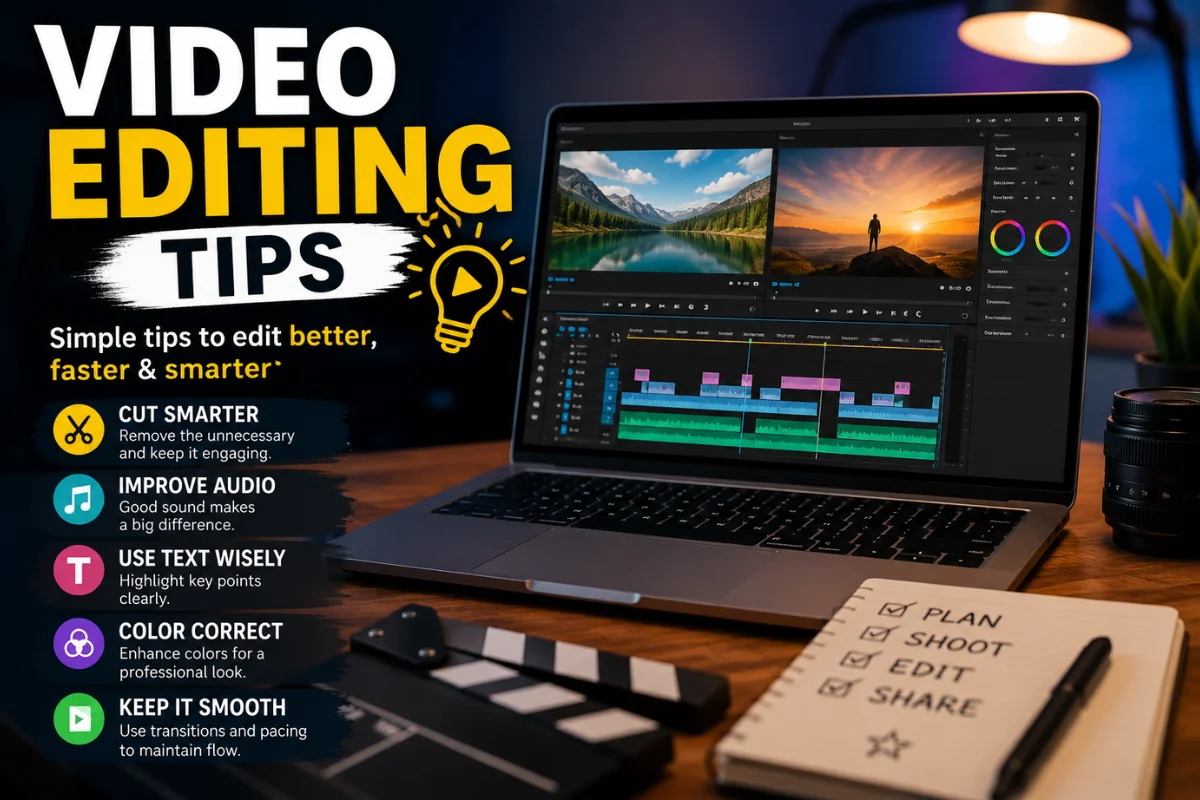
video editing tipsVideo content has become one of the most powerful forms of communication in today’s digital world. Whether you are creating videos for YouTube, social media, marketing campaigns, online courses, or personal projects, strong editing skills can make a significant difference in the quality and impact of your content.
Video editing is more than simply cutting clips together. It involves storytelling, pacing, visual enhancement, sound design, and audience engagement. Even footage captured with a smartphone can look professional when edited correctly.
This guide covers practical video editing tips that can help beginners and experienced creators improve their workflow and produce better videos.
Why Video Editing Matters
Recording a video is only the first step. Editing transforms raw footage into a polished final product that communicates your message clearly.
Good editing helps:
- Remove mistakes and unnecessary content
- Improve storytelling
- Maintain viewer attention
- Enhance audio and visuals
- Create a professional appearance
- Increase audience engagement
Without proper editing, even high-quality footage can feel confusing or uninteresting.
Start With a Clear Plan
One of the biggest mistakes beginners make is starting the editing process without a plan.
Before opening your editing software, define:
- The purpose of the video
- The target audience
- The desired length
- The overall message
- The visual style
Having a clear objective helps you make better editing decisions throughout the project.
Organize Your Files Before Editing
A well-organized project saves time and reduces frustration.
Create separate folders for:
- Video clips
- Audio files
- Music tracks
- Graphics
- Photos
- Exported versions
Proper file management becomes especially important when working on larger projects with dozens or hundreds of assets.
Choose the Right Editing Software
The best editing software depends on your needs and experience level.
Some popular options include:
| Software | Best For | Skill Level |
| Adobe Premiere Pro | Professional editing | Advanced |
| Final Cut Pro | Mac users | Intermediate to Advanced |
| DaVinci Resolve | Color grading and editing | Intermediate |
| CapCut | Social media content | Beginner |
| Filmora | Easy editing workflow | Beginner |
| iMovie | Basic video projects | Beginner |
The software itself is less important than understanding editing principles and practicing regularly.
Focus on Storytelling
Great videos tell stories.
Even tutorials, product reviews, and educational content benefit from a clear narrative structure.
A simple storytelling framework includes:
Beginning
Introduce the topic and capture attention.
Middle
Provide the main information, demonstration, or content.
End
Summarize key points and encourage viewers to take action.
When editing, always ask whether each clip contributes to the story.
Cut Out Unnecessary Footage
One of the most valuable editing skills is knowing what to remove.
Many creators keep too much footage because they spent time recording it. However, viewers only care about content that adds value.
Remove:
- Long pauses
- Repeated information
- Mistakes
- Unnecessary transitions
- Off-topic segments
Tighter edits often lead to more engaging videos.
Pay Attention to Pacing
Pacing refers to the speed at which a video progresses.
Fast-paced videos typically work well for:
- Social media content
- Product promotions
- Entertainment videos
Slower pacing may suit:
- Documentaries
- Interviews
- Educational content
The goal is to keep viewers engaged without overwhelming them.
Use Transitions Sparingly
Many beginners overuse transitions.
While flashy effects may seem exciting, excessive transitions can distract viewers from the content.
Simple cuts often provide the cleanest and most professional look.
Use transitions only when they serve a purpose, such as:
- Showing a passage of time
- Changing locations
- Introducing a new topic
Subtle transitions usually produce better results.
Improve Audio Quality
Poor audio can ruin an otherwise excellent video.
Many viewers are more willing to tolerate average visuals than poor sound quality.
Focus on:
Reducing Background Noise
Remove unwanted sounds whenever possible.
Balancing Audio Levels
Ensure voices, music, and sound effects work together without overpowering each other.
Using Quality Music
Choose music that complements the mood of the video.
Monitoring Audio
Always listen with headphones before exporting your project.
Clean audio instantly improves professionalism.
Master Color Correction
Color correction helps create a consistent and polished appearance.
Basic color correction includes:
- Adjusting brightness
- Improving contrast
- Correcting white balance
- Balancing shadows and highlights
Even minor adjustments can significantly improve footage quality.
After correction, color grading can be used to establish a specific visual style or mood.
Use Text and Graphics Wisely
Text can improve viewer understanding when used correctly.
Examples include:
- Titles
- Captions
- Lower-thirds
- Statistics
- Call-to-action messages
Avoid overcrowding the screen with excessive text.
Keep graphics clean, readable, and consistent with your brand.
Add Captions and Subtitles
Captions have become increasingly important.
Many users watch videos without sound, particularly on social media platforms.
Benefits of captions include:
- Improved accessibility
- Better audience retention
- Enhanced viewer understanding
- Increased engagement
Captions also help reach viewers in different environments.
Learn Keyboard Shortcuts
Keyboard shortcuts dramatically improve editing speed.
Common shortcuts often include:
- Cut clips
- Split footage
- Undo actions
- Copy and paste
- Zoom timeline
Learning shortcuts may feel challenging initially, but it saves countless hours over time.
Use B-Roll Effectively
B-roll refers to supplementary footage that supports the main content.
Examples include:
- Product close-ups
- Environmental shots
- Demonstrations
- Behind-the-scenes footage
B-roll helps:
- Maintain visual interest
- Cover cuts
- Reinforce key points
- Improve storytelling
Strong B-roll can make videos feel more dynamic and professional.
Avoid Overusing Effects
Modern editing software offers countless effects and animations.
However, professional editors often follow a simple rule:
Use effects only when they improve the story.
Excessive visual effects can make content feel cluttered and distracting.
Focus on clarity and viewer experience rather than showing every feature available in the software.
Create Consistent Branding
Consistency helps build recognition.
Elements that should remain consistent include:
- Fonts
- Colors
- Intro sequences
- Outro screens
- Logo placement
- Thumbnail style
Consistent branding strengthens identity and creates a more professional appearance.
Optimize Videos for Different Platforms
Different platforms have different requirements.
YouTube
- Longer content
- Horizontal format
- Detailed storytelling
Instagram Reels
- Vertical format
- Fast pacing
- Short duration
TikTok
- Immediate attention-grabbing content
- Trend-focused editing
- Professional style
- Informative content
Adapting edits to platform expectations improves performance.
Review Your Edit Multiple Times
Never export immediately after finishing an edit.
Watch the video several times to identify:
- Audio issues
- Visual errors
- Spelling mistakes
- Timing problems
- Missing graphics
Many editing mistakes become obvious during final review sessions.
Get Feedback From Others
Fresh perspectives often reveal issues you may overlook.
Ask friends, colleagues, or team members:
- Was the message clear?
- Did any section feel slow?
- Were there confusing moments?
- Did the audio sound balanced?
Constructive feedback can significantly improve future projects.
Export Using Proper Settings
The final export stage is just as important as editing itself.
Consider:
- Resolution
- Frame rate
- File size
- Compression settings
- Platform requirements
For most online content, 1080p remains a reliable standard, while 4K is becoming increasingly common for higher-quality productions.
Practice Consistently
Like any creative skill, video editing improves with practice.
The best editors develop their abilities through:
- Regular editing projects
- Studying successful videos
- Learning new techniques
- Experimenting with styles
- Reviewing past work
Every project provides an opportunity to improve.
Common Video Editing Mistakes to Avoid
Many creators encounter similar challenges.
Watch out for:
- Overusing transitions
- Excessive effects
- Poor audio balance
- Inconsistent color grading
- Long introductions
- Cluttered graphics
- Weak storytelling
- Ignoring audience preferences
Avoiding these mistakes can instantly elevate video quality.
The Future of Video Editing
Video editing continues to evolve with advancements in technology.
Artificial intelligence is helping creators automate tasks such as:
- Caption generation
- Background removal
- Object tracking
- Audio enhancement
- Scene detection
Despite these innovations, creativity and storytelling remain the most valuable editing skills.
Technology can speed up workflows, but human judgment is still essential for creating engaging content.
Conclusion
Video editing is both a technical skill and a creative art. While software and tools continue to improve, the fundamentals remain the same: tell a compelling story, maintain viewer engagement, and deliver a polished viewing experience.
By organizing projects effectively, improving audio quality, mastering pacing, using transitions carefully, and focusing on storytelling, creators can dramatically improve their videos. Whether you are producing content for social media, business marketing, education, or entertainment, strong editing skills will help your message stand out.
The most successful editors are not necessarily those who use the most advanced effects. They are the ones who understand how to guide viewers through a meaningful and engaging visual experience.
