

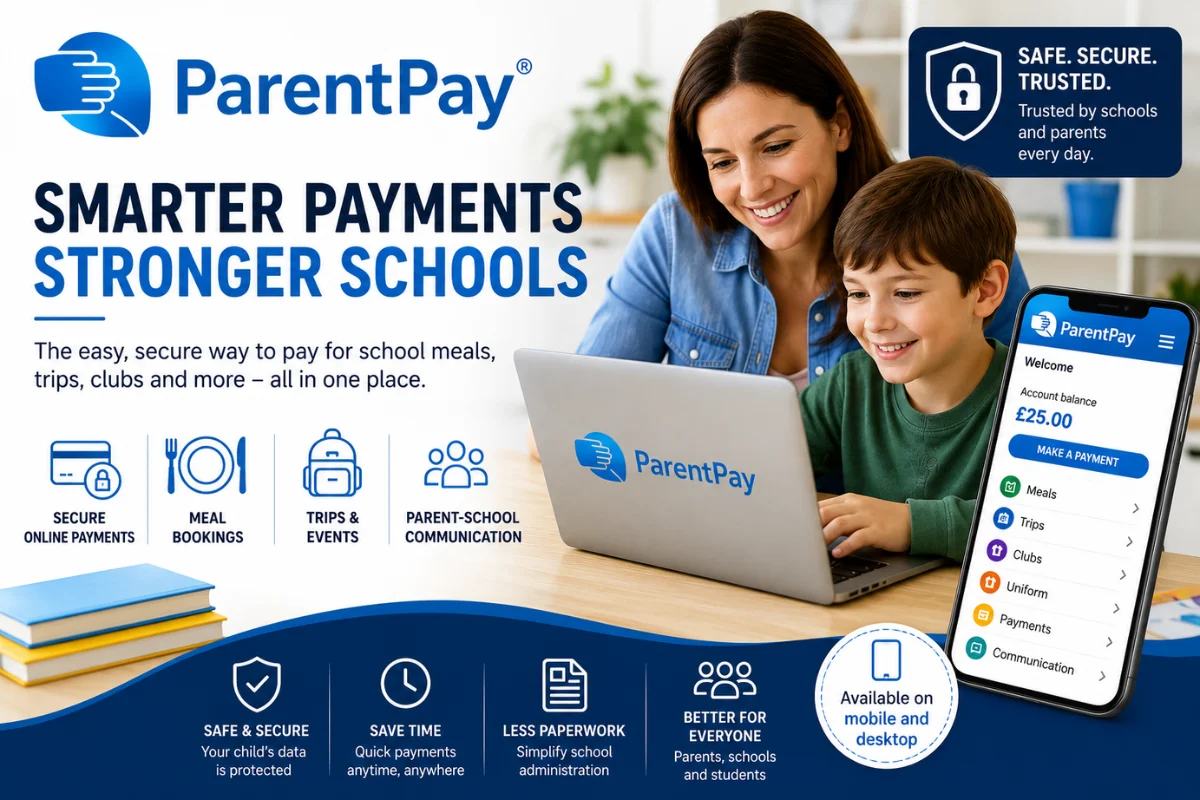
Managing school-related payments used to involve cash, paper forms, and countless reminders sent home with students. Today, digital payment platforms have made the process much simpler, allowing parents to pay for school meals, educational trips, clubs, and other activities in just a few clicks. ParentPay has become one of the leading solutions helping schools and families manage these everyday tasks more efficiently.
Designed specifically for the education sector, ParentPay provides a secure online system where parents can make payments, monitor transactions, and stay informed about school activities. At the same time, schools benefit from reduced administrative work, improved financial tracking, and faster payment processing.
This guide explores everything you need to know about ParentPay, including its features, benefits, payment methods, security measures, account setup, and practical tips for parents and schools.
What Is ParentPay?
Is a secure online payment platform designed to help schools collect and manage payments digitally instead of relying on cash or paper-based methods. It enables parents and guardians to pay securely for a wide range of school-related services through an online account.
The platform is widely used by schools to simplify payment collection while improving communication with parents. It supports everyday transactions such as school meals, educational visits, breakfast clubs, after-school activities, music lessons, uniforms, and charitable contributions.
By moving payments online, ParentPay helps schools save time while offering parents greater convenience and flexibility.
Why ParentPay Is Popular
The growing popularity of ParentPay comes from its ability to simplify routine school administration for everyone involved.
Easy Online Payments
Parents no longer need to send cash with children or remember exact payment amounts.
Payments can often be completed within minutes using a computer, tablet, or smartphone.
Greater Convenience
The platform allows parents to manage multiple school payments from one account.
Instead of filling out separate forms for different activities, users can often complete several payments during a single login session.
Improved Security
Digital payments reduce the need for students to carry cash to school.
Electronic payment records also improve transparency for both schools and families.
Better School Administration
Schools spend less time counting cash, processing checks, and managing paperwork.
This allows staff to focus more on supporting students and educational activities.
Main Features of ParentPay
ParentPay offers numerous features that make school payment management easier.
Online Payments
Parents can pay for:
- School meals
- Educational trips
- Clubs
- Uniforms
- Examination fees
- Music lessons
- Donations
- Activity fees
Payments are recorded automatically within the system.
Meal Booking
Many schools allow parents to book school meals in advance.
This helps schools plan food preparation more accurately while giving parents greater control over meal selections.
Trip Management
Educational visits often involve multiple payments and permission forms.
ParentPay simplifies this process by allowing schools to organize trip information while parents complete payments online.
Club Registration
Schools frequently use ParentPay for:
- Sports clubs
- Breakfast clubs
- After-school activities
- Holiday programs
Parents can register and pay through the same platform.
Communication Tools
Many schools use ParentPay to share important information with families.
Parents may receive updates about:
- School events
- Payment reminders
- Trips
- Activities
- Important announcements
This helps improve communication between schools and families.
How ParentPay Works
The system is designed to be simple for both schools and parents.
School Registration
A school joins the ParentPay platform and creates accounts for students.
Parent Activation
Parents receive activation details from the school.
These instructions allow them to create a secure online account.
Account Setup
Parents log in, confirm account details, and select their preferred payment methods.
Make Payments
Once activated, parents can view available payment items and complete transactions whenever needed.
Payment Methods
ParentPay supports several secure payment options depending on the school’s available services.
Common payment methods include:
- Debit cards
- Credit cards
- Prepaid balances
- Online payment gateways
Some schools may also support additional payment methods based on local requirements.
Benefits for Parents
ParentPay offers numerous advantages for busy families.
Convenience
Payments can usually be made anytime without visiting the school office.
Payment History
Parents can review previous transactions whenever necessary.
This makes budgeting and record keeping much easier.
Reduced Paperwork
Digital payments eliminate many paper forms traditionally associated with school activities.
Multiple Children
Parents with more than one child can often manage school payments from a single ParentPay account.
Benefits for Schools
Schools also experience significant operational improvements.
Less Cash Handling
Reducing cash collection improves security while minimizing administrative work.
Faster Administration
Electronic records simplify financial reporting and payment tracking.
Better Financial Accuracy
Automatic transaction records reduce manual data entry errors.
Improved Planning
Advance bookings for meals, clubs, and trips help schools allocate resources more effectively.
Table: Common ParentPay Services
| Service | Purpose | Benefit |
| School Meals | Meal payments and bookings | Faster meal management |
| Educational Trips | Trip payments | Easy online payments |
| School Clubs | Activity registration | Convenient booking |
| Uniform Payments | Clothing purchases | Cash-free transactions |
| Donations | School fundraising | Secure online giving |
| Music Lessons | Lesson payments | Organized payment tracking |
Is ParentPay Safe?
Security is one of the platform’s strongest features.
ParentPay uses secure payment technology designed to protect financial information during transactions.
Additional security measures often include:
- Encrypted connections
- Secure account logins
- Password protection
- Transaction confirmations
- Payment records
Parents should also protect their own accounts by using strong passwords and keeping login details private.
Tips for Using ParentPay Effectively
Parents can improve their experience by following several simple practices.
Check Your Account Regularly
Logging in periodically helps avoid missing payment deadlines.
Keep Contact Information Updated
Accurate email addresses help ensure important school notifications are received promptly.
Review Payment Deadlines
Educational trips and special activities often have fixed payment dates.
Planning ahead reduces last-minute stress.
Save Receipts
Although ParentPay records transactions automatically, saving confirmation emails can provide additional peace of mind.
Common Uses of ParentPay
Schools use ParentPay for many daily activities.
Examples include:
- School lunches
- Breakfast clubs
- Educational visits
- Swimming lessons
- School photographs
- Uniform purchases
- Charity events
- Examination fees
- Holiday clubs
Its flexibility allows schools to manage numerous payment categories from one platform.
ParentPay and Digital Education
As schools continue adopting digital technologies, online payment systems have become increasingly important.
Helps schools reduce paperwork while giving parents quicker access to payment information and essential school services. The platform also contributes to more efficient administration, allowing schools to spend less time processing payments and more time supporting teaching and learning.
The continued growth of digital education means platforms like ParentPay are likely to remain an important part of modern school management.
Common Questions About ParentPay
Can parents access ParentPay on mobile devices?
Yes. The platform is designed to work on smartphones, tablets, and desktop computers, making payments convenient from almost anywhere.
Does ParentPay replace cash payments?
Many schools encourage digital payments through ParentPay, although available payment options may vary depending on school policies.
Can multiple children be managed in one account?
In many cases, parents can manage payments for multiple children through a single ParentPay account, making family administration much easier.
Final Thoughts
Has simplified the way schools and families handle everyday educational payments. By replacing cash-based systems with a secure online platform, it simplifies payments for school meals, educational trips, clubs, uniforms, and many other activities while reducing administrative work for schools.
Its user-friendly interface, secure payment processing, and convenient account management make it a practical solution for modern education. Whether you’re a parent looking for a faster way to handle school expenses or a school aiming to improve financial administration, ParentPay offers an efficient and reliable system that benefits everyone involved.
